
Manage POP3 for Gmail from Chrome
Quickly inspect sync status, monitor live account health, and trigger manual syncs without leaving your active tab.
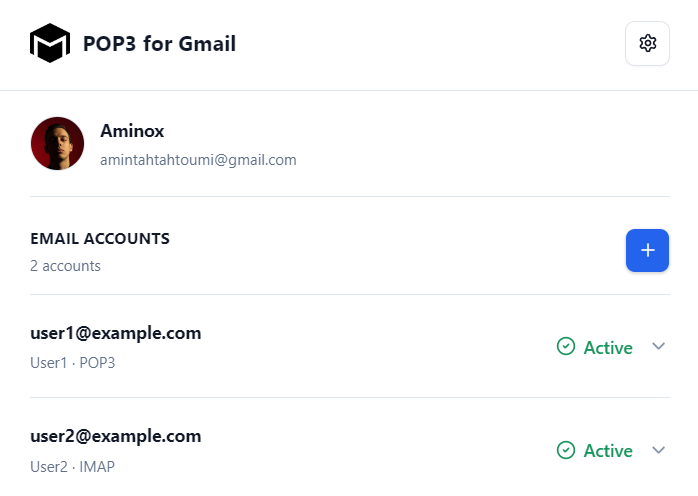
Quick control, right from your browser.
The companion extension lets you connect accounts, run instant manual syncs, pause mailboxes, update server details, and check activity logs directly from Chrome.
The extension controls the service. The server executes background sync.
Even if you close Chrome or turn off your computer, all active mailboxes continue polling automatically on schedule.
Configure "Send mail as" without tedious manual forms
When enabling sending for an address, POP3 for Gmail tests your SMTP parameters. The extension can assist by automatically completing Gmail’s native "Send mail as" setup.
Technical note: SMTP will remain operational. Google has announced that Gmail will deprecate its native "Send mail as" for third-party addresses in January 2027. This affects Gmail’s native UI feature, not SMTP itself or incoming mail bridge via POP3 for Gmail.

On-demand Instant Sync
Expecting an urgent verification code? Click one button in the extension to poll all your accounts immediately.
Server Independence
The extension provides easy control. If you close Chrome or shut down your PC, background sync jobs continue on schedule.
Keep using Gmail. Only change how your mail arrives.
Connect your first mailbox, verify your settings, and let POP3 for Gmail maintain seamless background synchronization.
No DNS modifications · Guided setup wizard · Disconnect anytime